

You are reading docs for v2, click here for the latest version.
- elements:utilities
- introduction
- getting-started
- routing
- utilities
- elements:layouts
- elements:action-bar
- elements:components
- elements:dialogs
- elements:utilities
ScrollView
This is an overview of the most common usage of ScrollView. For more information about the available properties, methods, or events, head over to the complete API documentation for ScrollView.
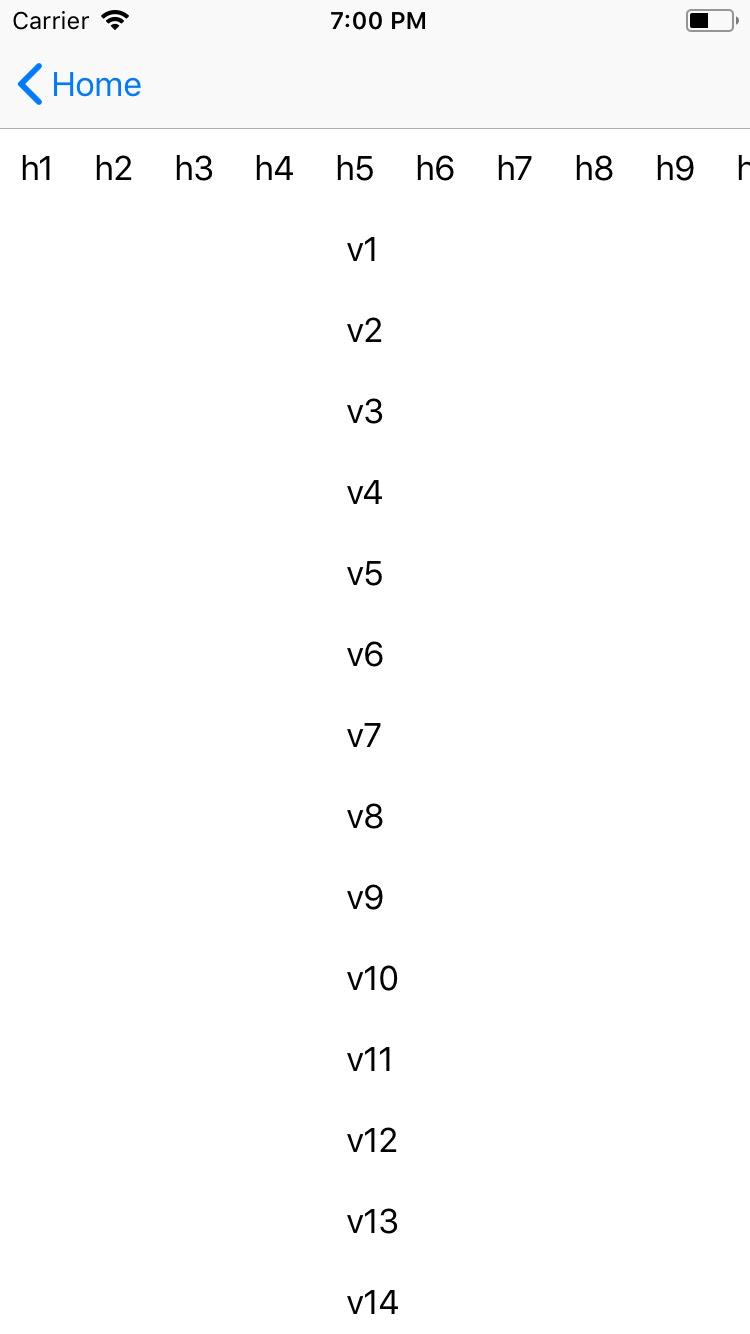
<ScrollView> is a UI component that shows a scrollable content area. Content can be scrolled vertically or horizontally.
It's important to note that <ScrollView> extends ContentView, so it can only have a single child element.
<ScrollView orientation="horizontal">
  <StackLayout orientation="horizontal">
    <Label text="this" />
    <Label text="text" />
    <Label text="scrolls" />
    <Label text="horizontally" />
    <Label text="if necessary" />
  </StackLayout>
</ScrollView>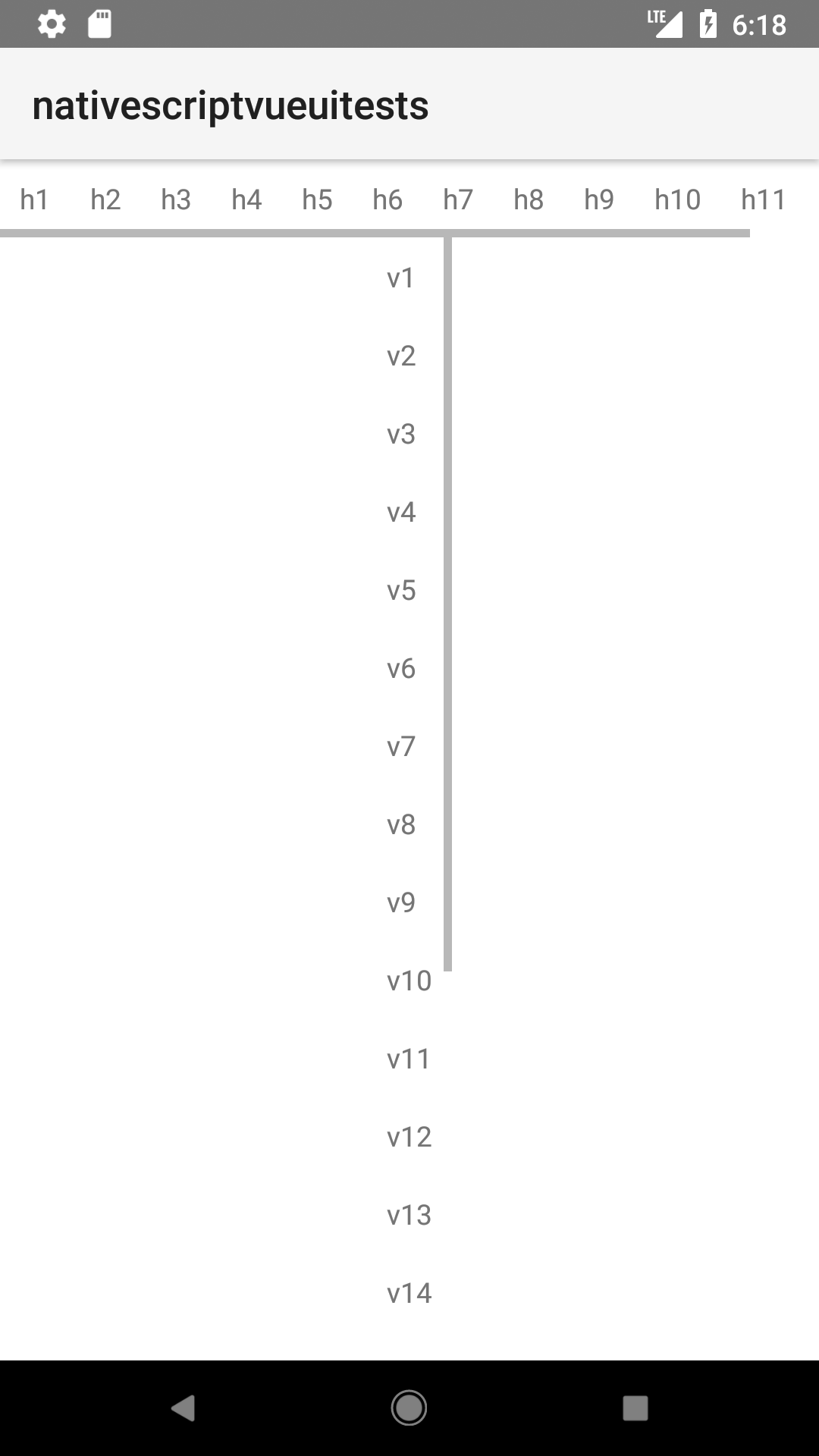
Props
| name | type | description |
|---|---|---|
orientation | String | Gets or sets the direction in which the content can be scrolled: horizontal or vertical.Default value: vertical. |
scrollBarIndicatorVisible | Boolean | Specifies if the scrollbar is visible. Default value: true. |
Events
| Name | Description |
|---|---|
scroll | Emitted when a scroll event occurs. |
Native component
| Android | iOS |
|---|---|
android.view | UIScrollView |
Contributors