

You are reading docs for v2, click here for the latest version.
- elements:utilities
- introduction
- getting-started
- routing
- utilities
- elements:layouts
- elements:action-bar
- elements:components
- elements:dialogs
- elements:utilities
Label
This is an overview of the most common usage of Label. For more information about the available properties, methods, or events, head over to the complete API documentation for Label.
<Label> is a UI component that displays read-only text.
IMPORTANT: This <Label> is not the same as the HTML <label>.
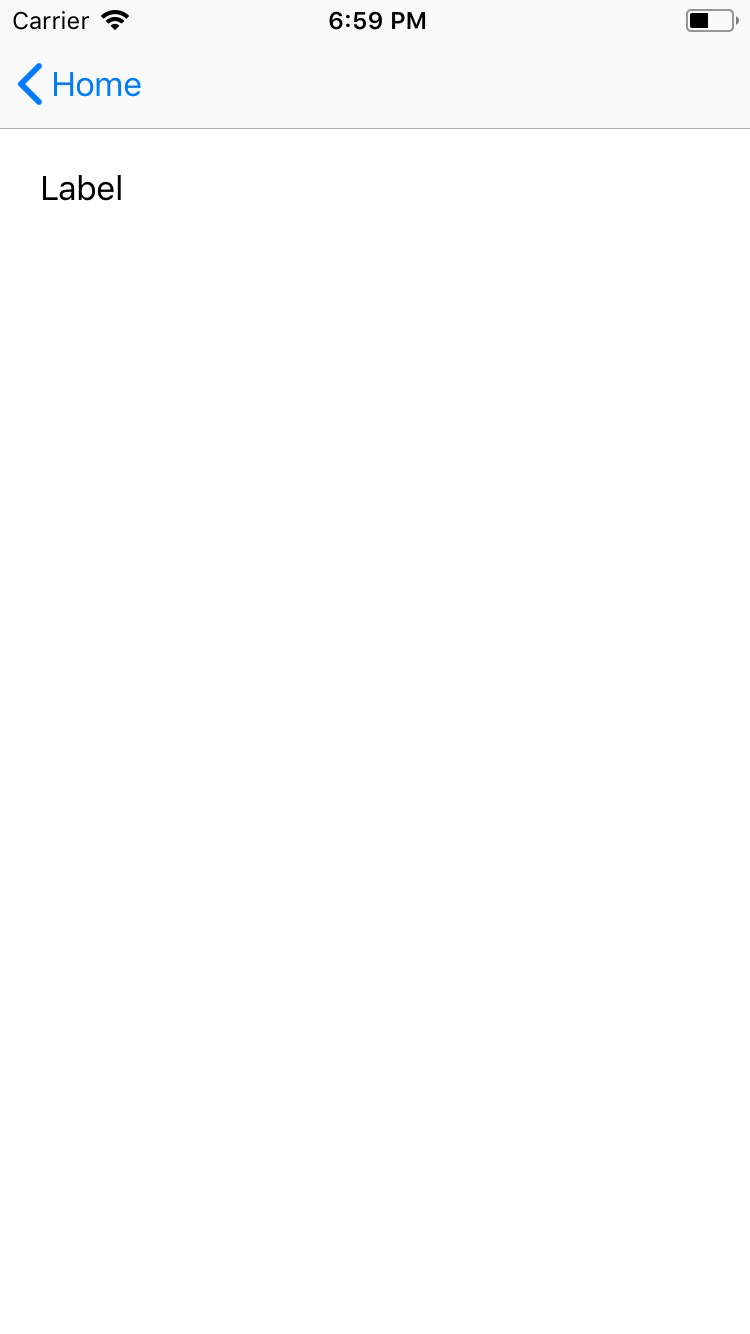
<Label text="Label" />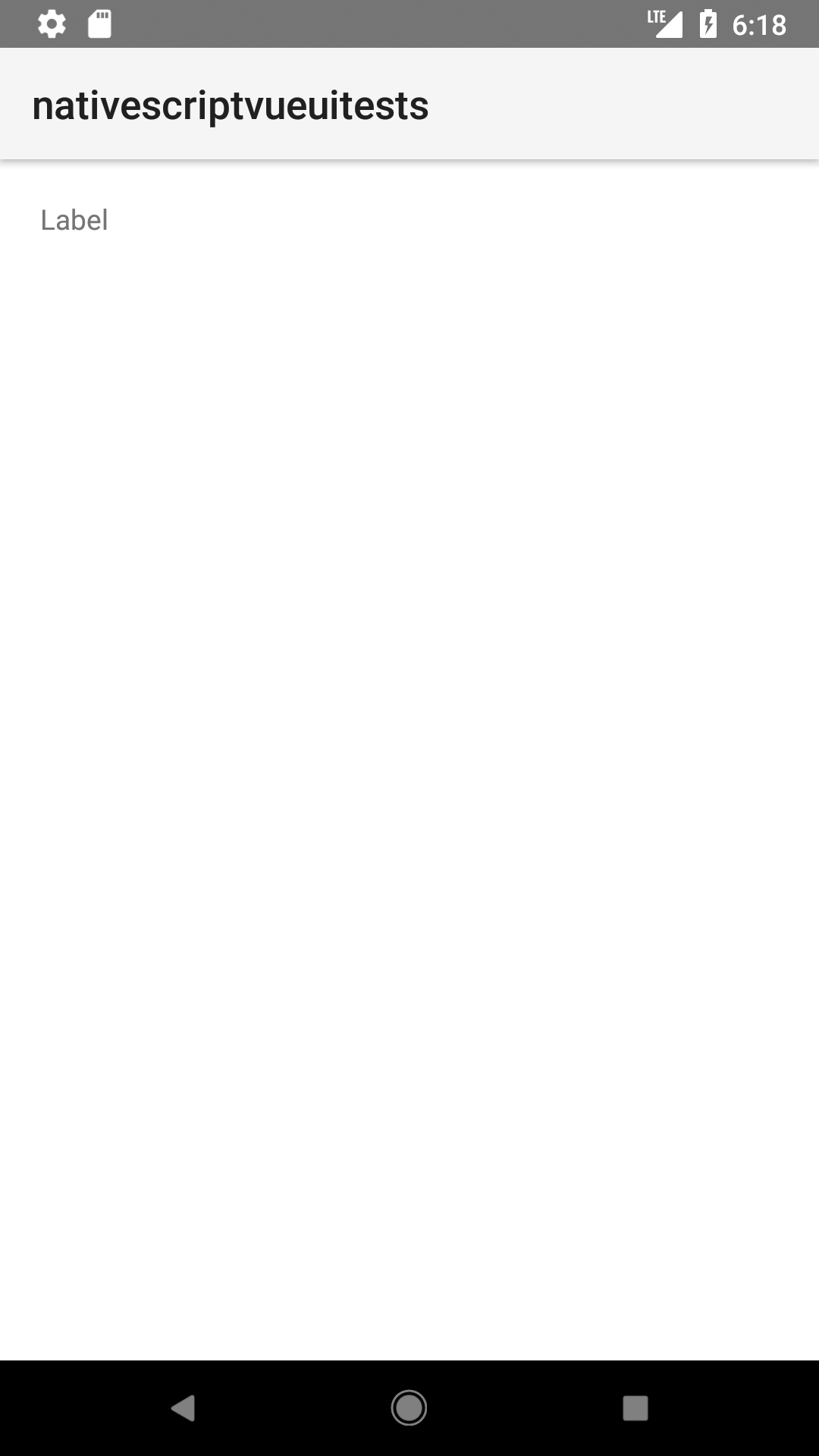
Styling the label
If you need to style parts of the text, you can use a combination of a FormattedString and Span elements.
<Label textWrap="true">
  <FormattedString>
    <Span text="This text has a " />
    <Span text="red " style="color: red" />
    <Span text="piece of text. " />
    <Span text="Also, this bit is italic, " fontStyle="italic" />
    <Span text="and this bit is bold." fontWeight="bold" />
  </FormattedString>
</Label>
Props
| Name | Type | Description |
|---|---|---|
text | String | Gets or sets the text of the label. |
textWrap | Boolean | Gets or sets whether the label wraps text. Default value: false. |
Native component
| Android | iOS |
|---|---|
android.widget.TextView | UILabel |
Contributors