

You are reading docs for v2, click here for the latest version.
- elements:utilities
- introduction
- getting-started
- routing
- utilities
- elements:layouts
- elements:action-bar
- elements:components
- elements:dialogs
- elements:utilities
Image
This is an overview of the most common usage of Image. For more information about the available properties, methods, or events, head over to the complete API documentation for Image.
<Image> 是一个UI组件,它显示来自 ImageSource 或URL 的图像。
显示相对于 app 目录的图像
<Image src="~/logo.png" stretch="none" />显示URL中的图像
<Image src="https://art.nativescript-vue.org/NativeScript-Vue-White-Green.png" stretch="none" />显示图像 App_Resources
<Image src="res://icon" stretch="none" />显示已 base64编码的图像
<Image src="data:Image/png;base64,iVBORw..." stretch="none" />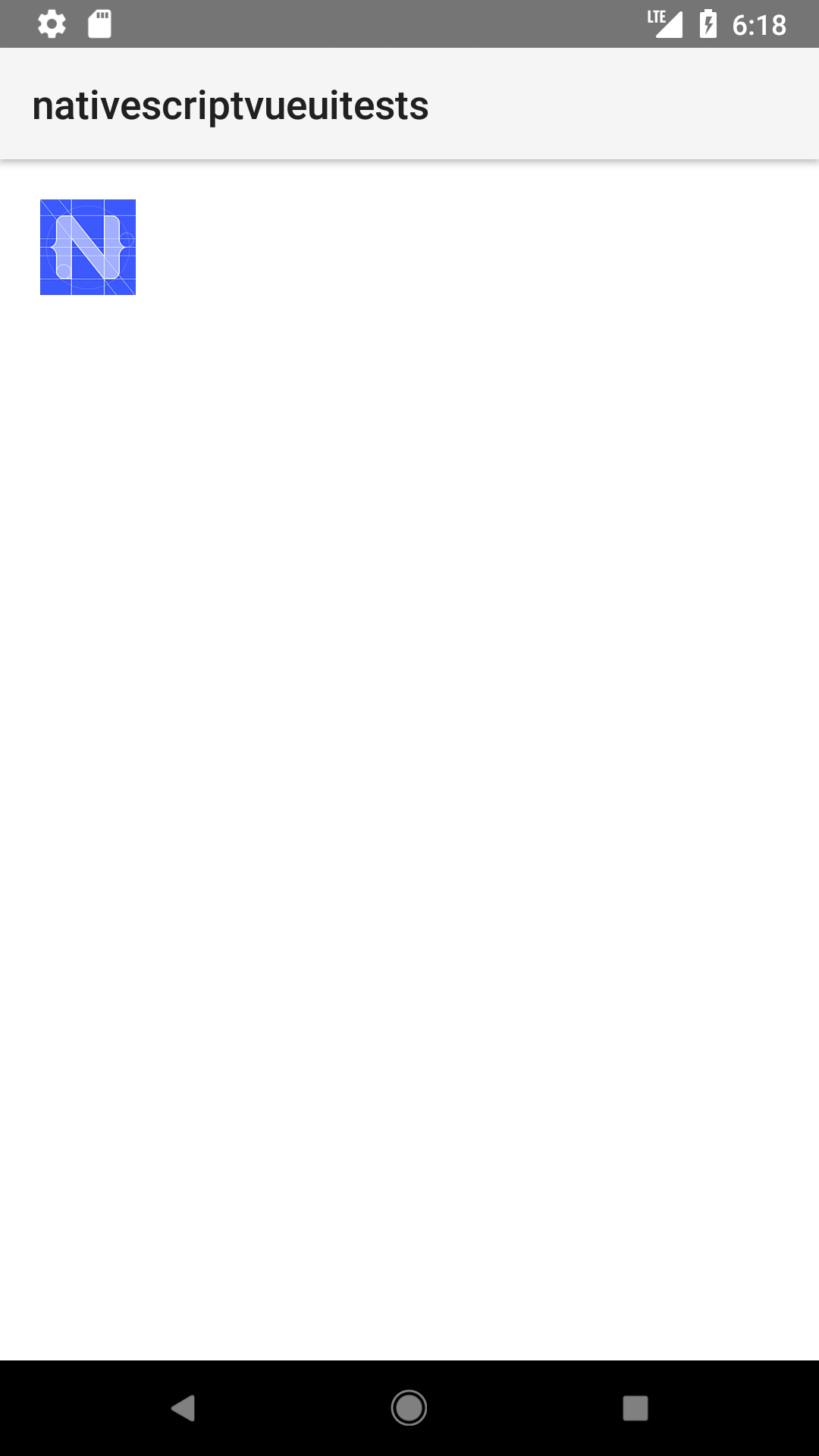

道具
| 名称 | 类型 | 描述 |
|---|---|---|
src | String 或 ImageSource | 获取或设置图像的源作为URL或图像源。 |
imageSource | ImageSource | 获取或设置图像的图像源。 |
tintColor | Color | (样式属性)将颜色设置为色调模板图像。 |
stretch | Stretch | (Style属性)获取或设置调整图像大小以填充其分配空间的方式。 有效值: none, aspectFill, aspectFit, 或 fill。有关更多信息,请参阅 Stretch。 |
loadMode | 获取或设置本地文件系统上图像的加载策略。 有效值: sync 或 async。默认值: async。有关更多信息,请参阅 loadMode。 |
原生组件
| Android | iOS |
|---|---|
android.widget.ImageView | UIImageView |
Contributors
